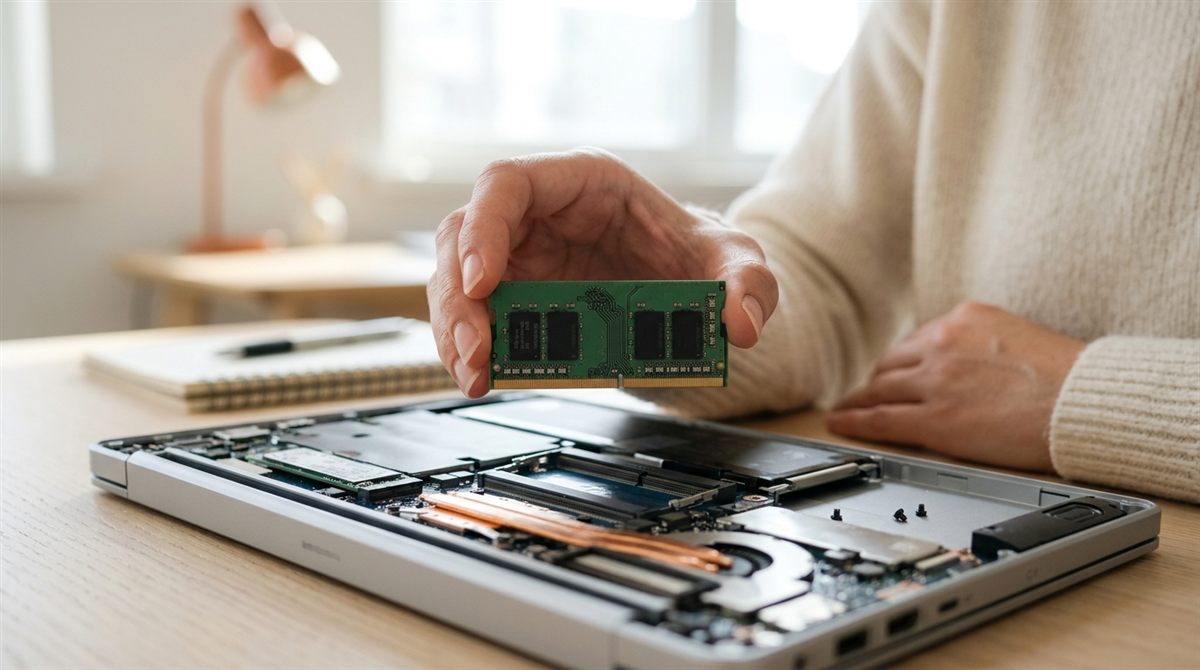
Short answer: 16GB of RAM is the right amount for most people in 2026. 8GB is acceptable only for basic use on a Chromebook, the MacBook Neo, or a very cheap Windows laptop. Choose 32GB for gaming, video editing, software development, or if you want to keep the laptop 5+ years. Choose 48–64GB+ for 4K–8K video, virtual machines and running AI models locally.
In this article
RAM recommendations by use
| What you do | Windows | Mac |
|---|---|---|
| Web, email, streaming, Office (light) | 8GB (16GB preferred) | 8GB |
| Students, office work, lots of tabs + Zoom/Teams | 16GB | 16GB |
| Photo editing, light video, programming | 16–32GB | 16–24GB |
| Gaming | 16GB minimum, 32GB ideal | n/a |
| 4K video, 3D, VMs, Docker, local AI | 32–64GB | 32–64GB+ |
Why 8GB isn’t enough for Windows any more
Windows 11 itself uses 3–4GB at idle. Add a browser with a dozen tabs, Microsoft Teams or Zoom, and background apps like OneDrive and antivirus, and you’re past 8GB. When RAM runs out, Windows swaps to the SSD, and everything stutters. macOS manages memory more aggressively, which is why 8GB Macs feel better than 8GB PCs, but even Apple now ships 16GB in every MacBook Air.
Buy enough now: RAM is soldered and expensive in 2026
Two things make getting this right more important than ever:
- Most thin laptops have soldered RAM (all MacBooks, most ultrabooks and many budget laptops). What you buy is what you’re stuck with.
- Memory prices spiked in 2026. AI data centres are absorbing most of the world’s DRAM supply, and retail prices for laptop memory have multiplied since 2024. Industry analysts don’t expect relief before 2027. Upgrading later costs a lot more than paying for 16GB up front.
How to check if you need more RAM
Windows
- Press Ctrl + Shift + Esc to open Task Manager and click Performance → Memory.
- Use the laptop normally for a day. If “In use” regularly sits above about 85% and the “Committed” figure exceeds your installed RAM, more memory will help.
- The same screen shows Slots used (e.g. “1 of 2”). If you have a free slot, an upgrade may be possible. “Form factor: Row of chips” means it’s soldered.
Mac
Open Activity Monitor → Memory and watch the Memory Pressure graph. Green is fine, and yellow is OK occasionally. Frequently red means you need more memory (on your next Mac).
Free fixes before you upgrade
- Close or limit browser tabs. Edge and Chrome both have “sleeping tabs” / Memory Saver modes.
- Disable startup programs you don’t need.
- Uninstall “RAM optimiser” and “cleaner” apps. They make things worse.
- Restart at least once a week.
Does RAM speed matter?
A little, mainly for integrated graphics and gaming, where faster LPDDR5X or DDR5 helps frame rates. For everyday use, capacity matters far more than speed. If you upgrade a laptop with slots, match the type (DDR4 vs DDR5 SO-DIMM) your laptop supports, and install memory in matched pairs for dual-channel performance.
Related: every laptop spec explained · how to speed up a slow laptop
Shopping with RAM in mind? Developers should read best laptops for programming; spreadsheet power users, best laptops for Excel.