213
Laptop screens have delicate anti-glare and anti-reflective coatings that household cleaners can strip off permanently. The good news: the safest method is also the simplest. You need a microfiber cloth and, for stubborn marks, a little distilled water.
In this article
What you need
- A clean, dry microfiber cloth (or the polishing cloth that came with your laptop)
- Distilled water, or a screen cleaner free of alcohol and ammonia such as WHOOSH Screen Shine
How to clean a laptop screen
- Shut down the laptop and unplug it. Smudges are easier to see on a black screen, and you won’t trigger anything on a touchscreen.
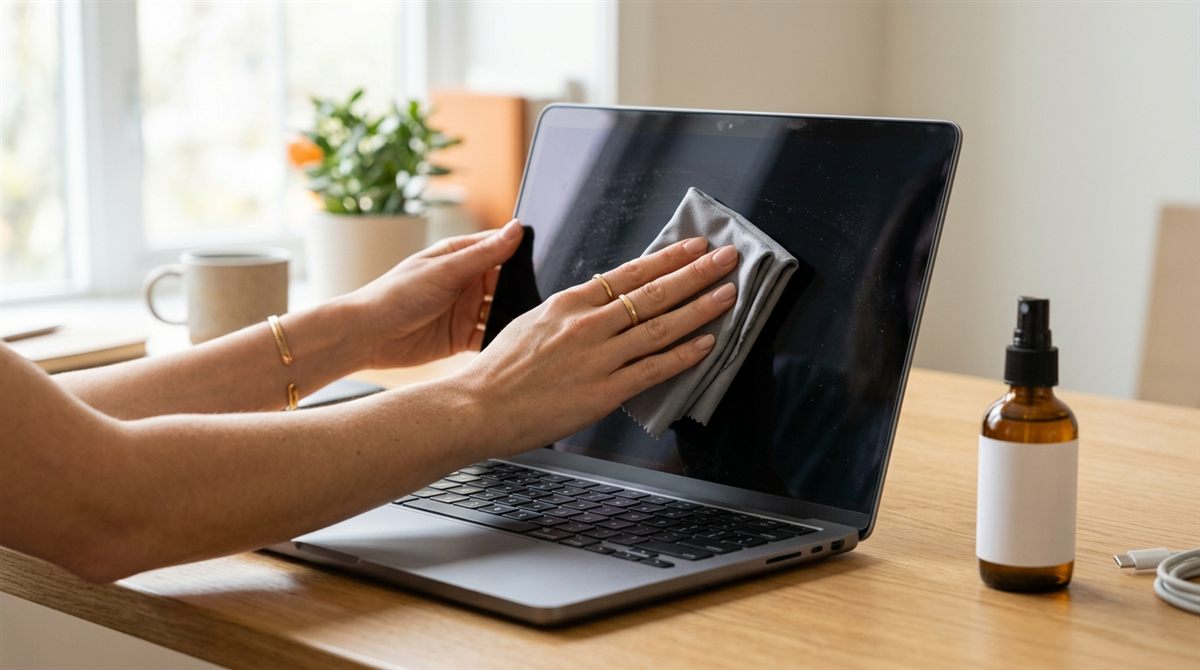
- Dry wipe first. Gently wipe in straight lines (top to bottom, or side to side) with a dry microfiber cloth to lift dust. Don’t press hard, because pressure can damage LCD panels.
- For smudges, dampen the cloth, not the screen, with distilled water or screen cleaner. The cloth should be barely damp, never dripping.
- Wipe again gently, then follow with a dry part of the cloth to remove streaks.
- Let it dry completely before closing the lid or turning it on.
Never use these on a laptop screen
- Glass cleaner (Windex) or anything with ammonia. It strips anti-glare coatings.
- Vinegar. Often recommended as a “natural” cleaner, but it’s acidic and can damage coatings over time. Distilled water is the natural option that’s actually safe.
- Paper towels, tissues or kitchen roll. The wood fibres leave micro-scratches.
- Bleach, acetone, abrasive powders, dish soap residue, or spraying anything directly onto the screen.
Is alcohol OK?
To disinfect, Apple and most laptop makers say a 70% isopropyl alcohol wipe used gently is acceptable on glossy glass screens. Avoid alcohol on matte and anti-glare screens unless the manufacturer specifically allows it, and never use it on Apple’s nano-texture glass. Clean that only with the Apple polishing cloth that came with it.
Removing stubborn marks
- Keyboard imprints on the screen (common on MacBooks): these are skin oils transferred from the keys. Distilled water on a microfiber cloth usually removes them. Wiping the keyboard regularly prevents them.
- Dried spots: hold a damp (not wet) cloth against the mark for 10–20 seconds to soften it, then wipe.
- Marks that won’t come off may be damage to the coating, which can’t be repaired by cleaning.
Keep it clean longer
- Close the lid gently and don’t leave pens or earbuds on the keyboard. They can press into the screen.
- Avoid thick webcam covers and keyboard covers on thin laptops, which can crack the screen when closed.
- Wash your microfiber cloths occasionally without fabric softener, which leaves residue.