202
Short answer: wipe the screen and keyboard weekly (daily if you share the laptop or eat at your desk), blow dust out of the vents every 3–6 months, and have the inside cleaned every 1–2 years, or sooner if the fans get loud or the laptop runs hot.
In this article
Laptop cleaning schedule
| How often | What to clean | How |
|---|---|---|
| Weekly | Screen, keyboard, trackpad | Dry microfiber cloth; slightly damp cloth for smudges |
| Monthly | Keyboard crumbs, ports, outside of the case | Tilt and tap, short bursts of air, 70% isopropyl wipe on hard surfaces |
| Every 3–6 months | Vents and fan | Blow out with an air duster (see the fan cleaning guide) |
| Every 1–2 years | Inside: fan, heatsink, and thermal paste (gaming laptops) | Open the bottom panel or use a repair shop |
Clean more often if you have pets, smoke or vape, work in a dusty environment, often use the laptop on a bed or carpet, or game for long sessions.
Warning signs your laptop needs cleaning inside
- The fans run loudly even during light tasks like browsing.
- The laptop is hot to the touch near the vents or keyboard.
- Performance drops after a few minutes of heavy use (thermal throttling).
- It shuts down suddenly during games or video calls. That’s a thermal-protection shutdown, and a strong sign of clogged cooling.
- You can see grey dust in the exhaust vents.
You can confirm with a temperature monitor. See how to check laptop temperature.
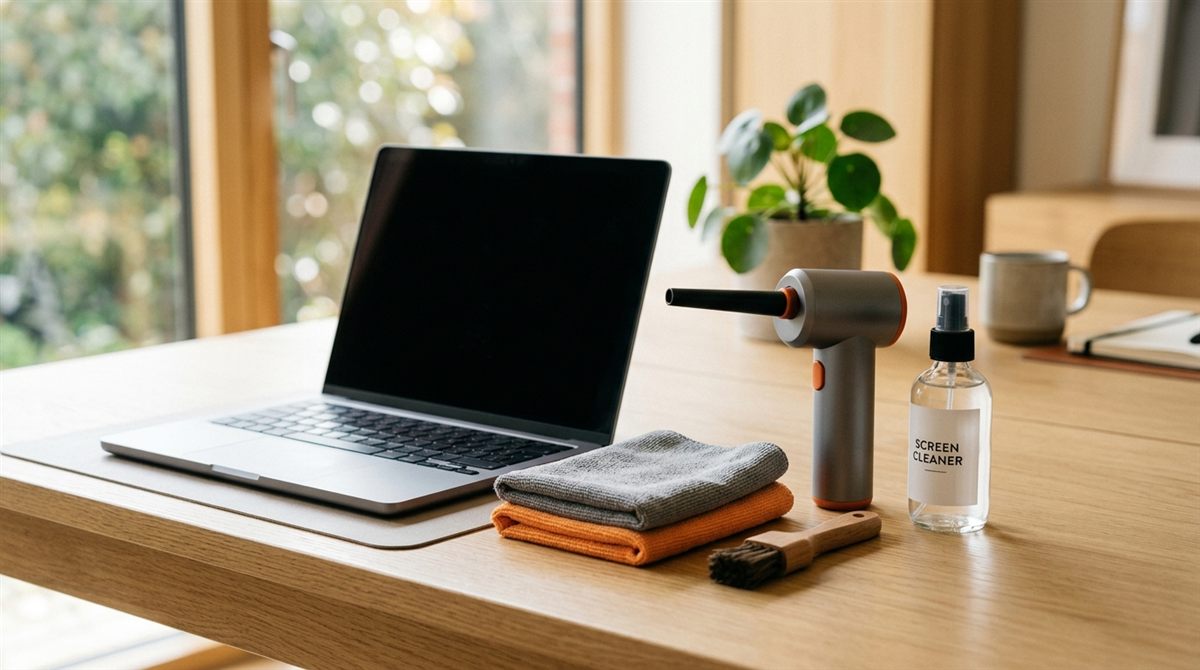
The basic cleaning kit
- Microfiber cloths, safe for every screen.
- A screen cleaner without alcohol or ammonia, like WHOOSH Screen Shine, or just distilled water.
- 70% isopropyl alcohol wipes for keyboard and case (disinfecting).
- An electric air duster or cans of compressed air.
- A soft brush (a clean makeup brush or small paintbrush works).
Rules that apply every time
- Shut down and unplug before cleaning (not just sleep).
- Never spray liquid directly onto the laptop. Spray the cloth.
- No paper towels, glass cleaner (Windex), bleach or acetone. They scratch or strip screen coatings.
- Keep moisture away from ports and openings.
Step-by-step guides
- How to clean a laptop screen without damaging it
- How to clean a laptop keyboard (including sticky keys)
- How to clean a laptop fan without opening it
Cleaning is one of the habits that matter most for lifespan. See the rest in how to make your laptop last longer.