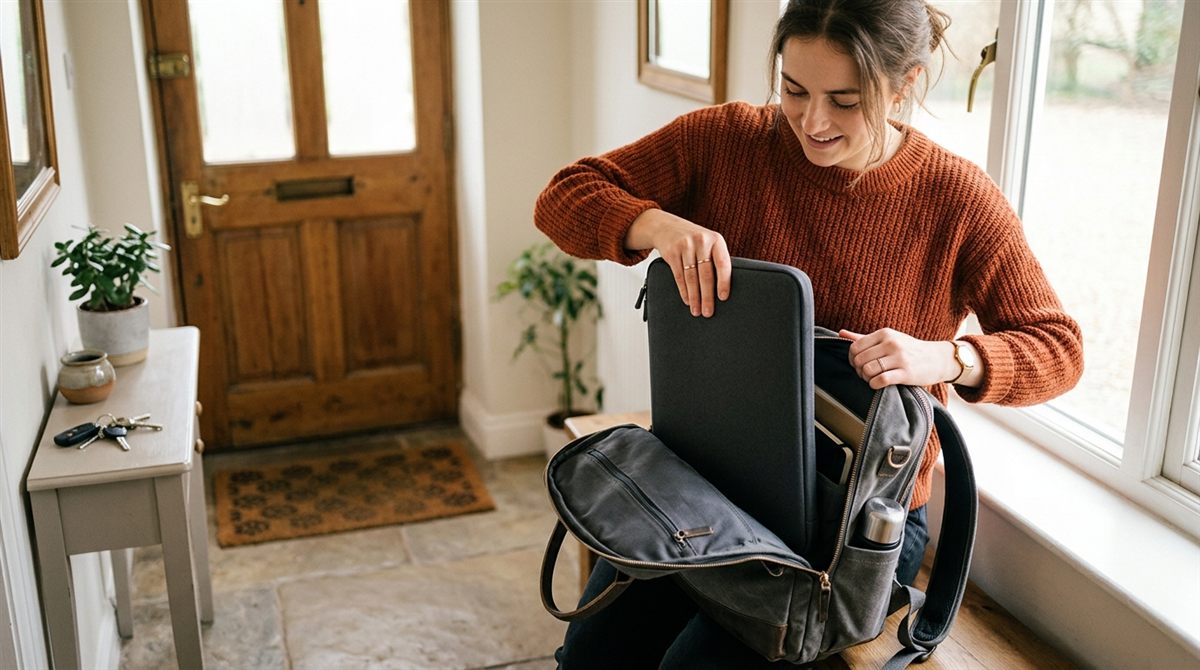
Backpacks are the best way to carry a laptop, but only if it’s packed properly. Most laptop damage in bags comes from pressure on the screen, sharp objects and drops onto hard floors. Here’s how to avoid all three.
In this article
Choose the right bag
- A dedicated, padded laptop compartment against your back. It’s the most protected part of the bag and keeps the weight close to your spine.
- A raised or “false” bottom so the laptop doesn’t touch the floor when you set the bag down. This protects it when the bag is dropped.
- The right size. The laptop shouldn’t slide around. Check the compartment dimensions, not just the “fits 15.6-inch” label, since 16-inch laptops are wider.
- Padded shoulder straps and a chest strap if you walk or cycle with it.
A budget favourite with a padded compartment and luggage strap is the MATEIN Travel Laptop Backpack. For extra protection in any bag, add a sleeve with reinforced corners like the tomtoc 360° sleeve.
Pack it properly
- Shut down or hibernate the laptop, rather than just closing the lid. A laptop that wakes up in a bag can overheat with no airflow. On Windows, set the lid-close action to Hibernate or check that Modern Standby isn’t draining it (Settings → System → Power & battery).
- Laptop in the laptop compartment, ideally in a sleeve.
- Nothing between the lid and keyboard, and nothing hard pressing against the lid. Keys, pens, chargers and water bottles in the same compartment are the classic cause of cracked screens.
- Charger and accessories in a separate pocket. A heavy charger brick pressing on the laptop can crack it.
- Liquids in an outer pocket, sealed. A leaking bottle above a laptop is a disaster.
Travel tips
- Always carry the laptop on a plane, never in checked luggage, for theft, damage and lithium battery rules.
- At airport security, many US checkpoints now let you leave the laptop in the bag (CT scanners, TSA PreCheck). Otherwise use a separate tray.
- Don’t put a backpack containing a laptop in the overhead bin with heavy bags on top of it.
- In very cold weather, let the laptop warm to room temperature before turning it on to avoid condensation.
Look after your back too
Use both straps, adjust so the bag sits high on your back, and keep the total weight under about 10–15% of your body weight. If you carry it every day, a lighter laptop and a small GaN charger make a real difference. See our charger picks.
More protection tips: how to make your laptop last longer · accessories worth buying
Need a new bag? See our picks for the best laptop backpacks.