A well-treated laptop can comfortably last 5–7 years. A neglected one often struggles after two or three. The difference comes down to a handful of habits, most of which cost nothing.
In this article
Protect it physically
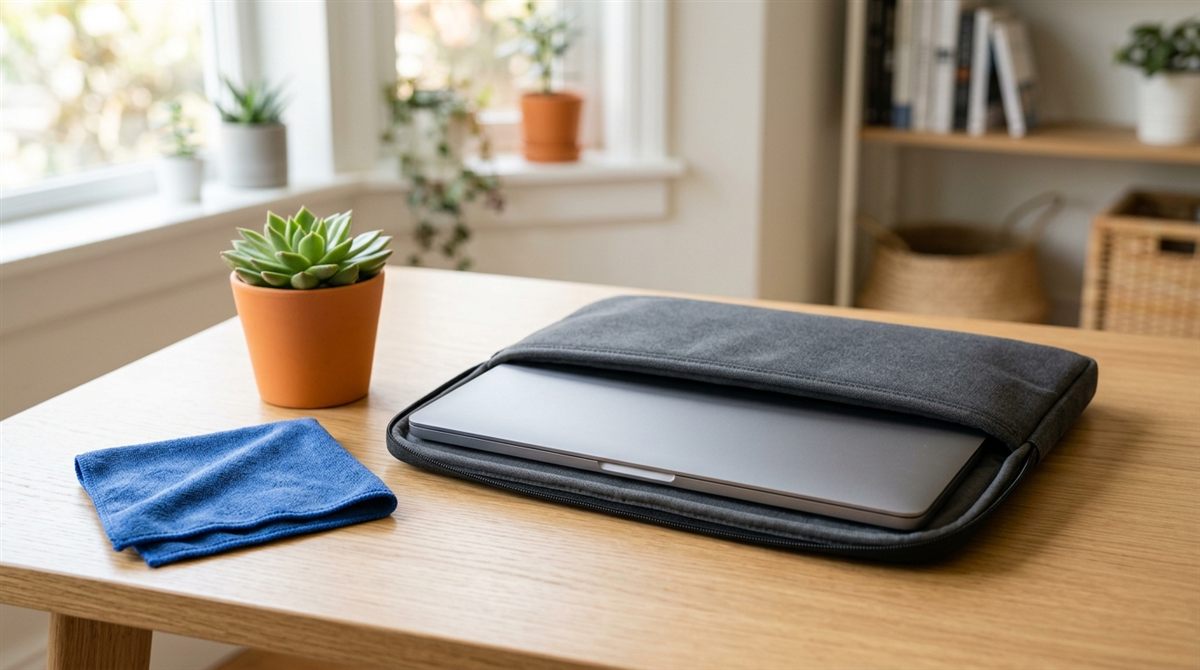
- Use a padded sleeve or a backpack with a laptop compartment. Most cracked screens and bent cases happen in bags. A sleeve with reinforced corners like the tomtoc 360° is cheap insurance. See how to carry a laptop safely.
- Open and close the lid from the centre, not a corner. Twisting stresses the hinges and screen.
- Never close the lid on a pen, earbuds or a USB stick. It’s the number one cause of cracked screens.
- Don’t pick it up by the screen or carry it open with one hand.
- Keep drinks away, or at least on the other side of the desk. Spills kill more laptops than almost anything else. Here’s what to do if you spill.
Manage heat
- Use it on hard surfaces. Beds, pillows and blankets block the vents and feed lint into the fans.
- Clean the vents every few months. See how to clean a laptop fan without opening it.
- Don’t leave it in a hot car or in direct sunlight. Heat damages the battery and screen.
- For gaming laptops, see how to stop overheating.
Look after the battery
- Turn on the charge limit (around 80%) if the laptop lives on a desk plugged in. This is the most effective battery habit. See how, for every brand.
- Avoid regularly draining it to 0%.
- Store it at around 50% charge if you won’t use it for weeks.
- Check battery health once a year, and replace a swollen battery immediately.
Keep the software healthy
- Install Windows and driver updates, including your manufacturer’s BIOS updates, which often fix battery, thermal and stability bugs.
- Don’t install “PC cleaner”, “registry fixer” or “driver updater” apps. They cause more problems than they solve.
- Keep 10–15% of the drive free. See how to free up space.
- Use the built-in Windows Security antivirus and be careful with downloads. See do you need antivirus?
- Restart weekly.
Back up your files
A laptop can be replaced. Your photos and documents can’t. Use OneDrive/iCloud/Google Drive for important folders, plus a periodic backup to an external drive (Windows Backup/File History or macOS Time Machine). A portable SSD makes this fast.
Keep it clean
Wipe the keyboard and screen weekly with a microfiber cloth. Oils and grime break down keyboard coatings and leave marks on the screen. See the full cleaning schedule.
Know when to upgrade (instead of replace)
If your laptop is slow but otherwise fine, a new SSD or more RAM (where possible) can add years of life for much less than a new laptop. See how to upgrade a laptop SSD and how to speed up a slow laptop.
Beginner mistakes to avoid
- Using the laptop on your lap or bed for hours at a time
- Ignoring loud fans and heat
- Using cheap, uncertified chargers
- Postponing updates for months
- Not having any backup
- Installing software from random download sites
- Putting stickers or covers over vents